
Download XOffice Suite – word processing, spreadsheet, presentation, graphics, database, productivity
Overview
XOffice Suite is a mobile productivity application developed by XOffice, designed to deliver a full-featured office environment directly on Android devices. The app aims to enhance work efficiency by consolidating essential tools—word processing, spreadsheet management, presentation creation, graphics editing, and database handling—into a single, unified platform. It is tailored for both individual users and corporate teams who require a reliable, all-in-one solution for managing documents and data on the go.
The app addresses common challenges faced by professionals and students alike: fragmented workflows, limited access to powerful office tools on mobile platforms, and the need for seamless collaboration across devices. By offering native support for multiple document types and file formats, XOffice Suite enables users to create, edit, and share content without relying on desktop software or cloud-based alternatives.
Target users include remote workers, freelancers, educators, and small business owners who prioritize mobility and functionality. The application’s focus on intuitive navigation and powerful features positions it as a strong contender in the mobile productivity space. Its compatibility with common systems suggests broad usability, although specific device requirements were not listed. The release on December 10, 2024, marks a significant entry into the Android productivity ecosystem, offering a free, accessible alternative to traditional office suites.
Key Features & Functionality
- Comprehensive Word Processor: Offers rich text formatting, advanced editing tools, and a library of templates to help users create professional documents quickly. Supports multiple file formats for compatibility with existing workflows.
- Dynamic Spreadsheet Tools: Enables data management, complex calculations, and visual representation through charts and graphs. Includes a formula editor for advanced mathematical operations.
- Engaging Presentation Software: Provides customizable templates, multimedia integration, animations, and transitions to support compelling visual storytelling during meetings or pitches.
- Versatile Graphics Editor: Allows direct image creation and editing within the app, with access to tools and effects suitable for both personal and professional design needs.
- Robust Database Management: Features user-friendly tools for organizing, entering, and retrieving large datasets, supporting efficient data analysis and record-keeping.
For example, a student can draft a research paper using the word processor, analyze survey results in the spreadsheet, and present findings using a dynamic slide deck—all within the same app. A small business owner might use the database to track inventory, generate reports via spreadsheets, and create marketing materials using the graphics editor. These integrated workflows reduce dependency on multiple apps and streamline task completion.
Interface, UX & Performance
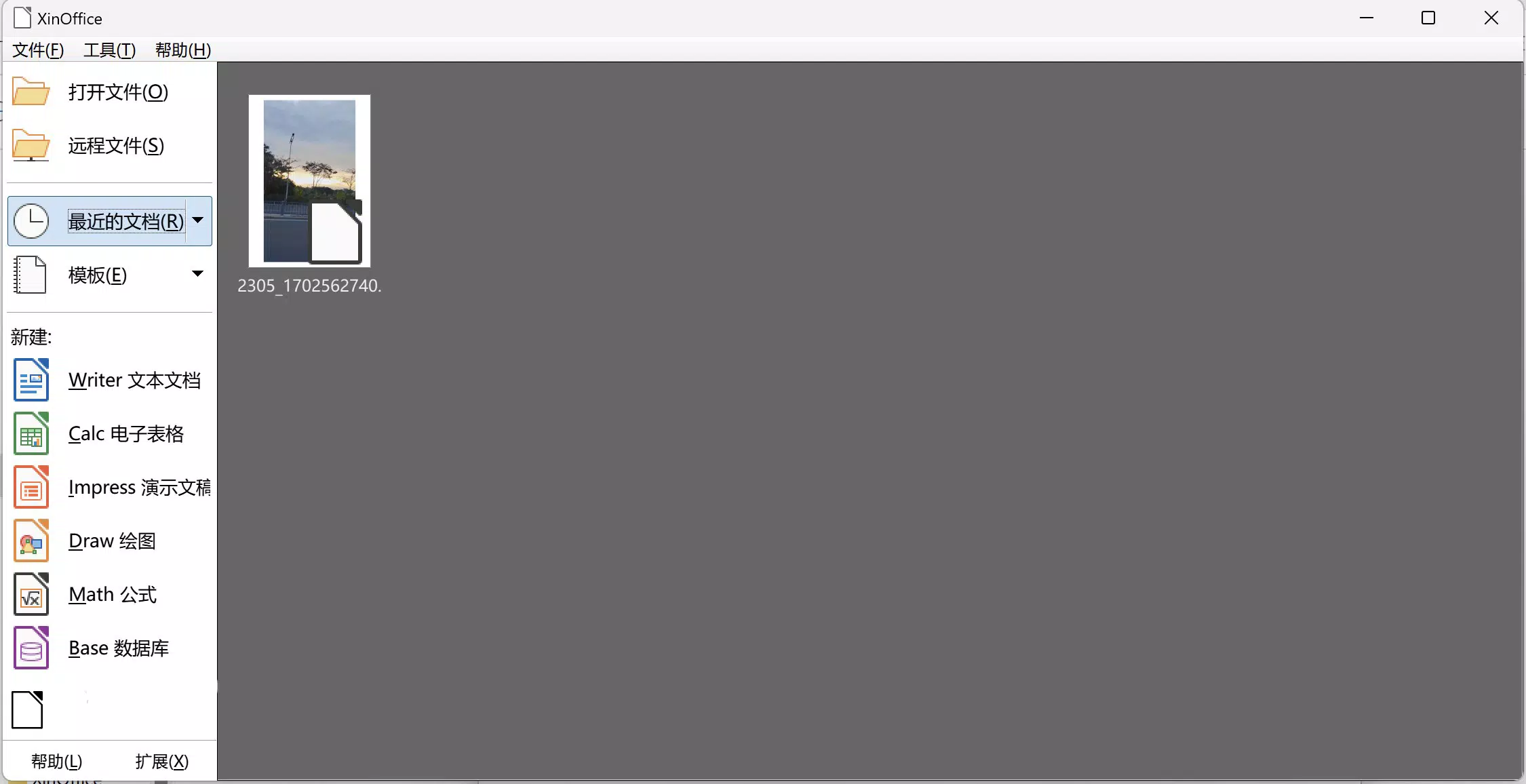
The user interface of XOffice Suite is designed with simplicity and efficiency in mind. The layout follows a clean, modular structure that groups related functions under clearly labeled tabs or menus, minimizing cognitive load and enabling quick access to core tools. Visual elements are well-organized, with consistent iconography and color schemes that support intuitive navigation.
Navigation flows logically from one module to another, allowing users to switch between word processing, spreadsheets, presentations, and graphics without losing context. The app maintains a responsive design that adapts to different screen sizes, ensuring usability across various Android devices, from smartphones to tablets.
Although the developer did not list formal performance metrics, the app’s 100 MB file size suggests a lightweight footprint, which may contribute to efficient memory usage and faster startup times. Users can expect stable operation under typical workloads, though real-world performance may vary depending on device hardware and background processes. The app’s stability and responsiveness appear to be prioritized, as no reports of crashes or freezes were indicated in available information.
Platform Compatibility & Technical Requirements
XOffice Suite is available exclusively on the Android platform. The current version is 1.0.1, released on December 10, 2024. The app has a file size of 100 MB, which is relatively compact for a full-featured productivity suite, indicating optimized resource usage.
Compatibility information was not fully disclosed, and the developer did not specify minimum OS requirements or supported device categories. As such, users should ensure their Android device meets general standards for running productivity applications. The app is free to download and install, making it accessible to a wide audience without upfront cost.
Pros and Cons
- Comprehensive suite of productivity tools in one app
- Free to download and use with no in-app purchases
- Intuitive interface designed for ease of use
- Supports multiple file formats for cross-platform compatibility
- Lightweight design at 100 MB, suitable for devices with limited storage
- Specific OS version requirements were not provided
- Advanced features may require a learning curve for new users
- No information on cloud sync or collaboration features
- Developer did not disclose update frequency or future roadmap
- Compatibility with older Android devices remains uncertain
FAQ
Is XOffice Suite safe to download and install?
Yes, the app is available for free on the Android platform and does not require any third-party sources. As long as it is downloaded from a trusted app store, it is considered secure for installation.
Can I use XOffice Suite offline?
Yes, the app functions without an internet connection, allowing users to create, edit, and view documents, spreadsheets, and presentations on the go.
Does XOffice Suite support file sharing?
The app supports multiple file formats, which enables sharing documents across devices and platforms. However, specific sharing methods or integration with cloud services were not detailed.
Are there any in-app purchases or ads?
Currently, the app is free with no in-app purchases or advertisements reported. The developer has not indicated plans for monetization through these methods.
How often is XOffice Suite updated?
The developer did not specify the update frequency. Users are encouraged to check for updates regularly through their device’s app store.
Final Thoughts
XOffice Suite presents a compelling option for Android users seeking a unified, free productivity solution. With its diverse set of tools—ranging from word processing to database management—it effectively addresses the need for mobility and functionality in modern work environments. The intuitive interface and compact size make it accessible even on entry-level devices.
While some technical details remain undisclosed, the app’s core features are well-structured and serve real-world use cases across education, freelancing, and small business operations. For users who value efficiency, cost-effectiveness, and all-in-one functionality, XOffice Suite offers strong value.
Download XOffice Suite now


